Screenshots
The alphabetical list with the edge scrubber, mid-scroll.
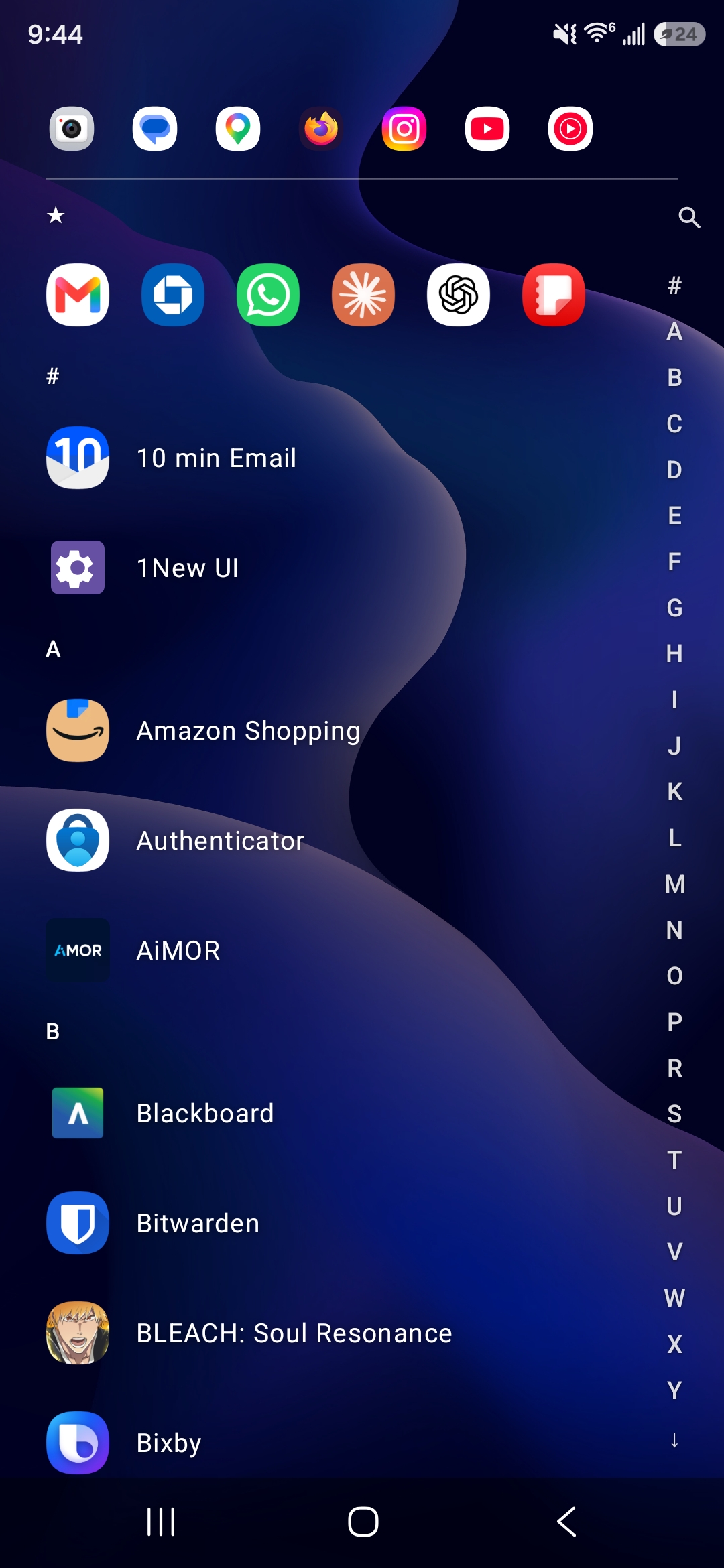
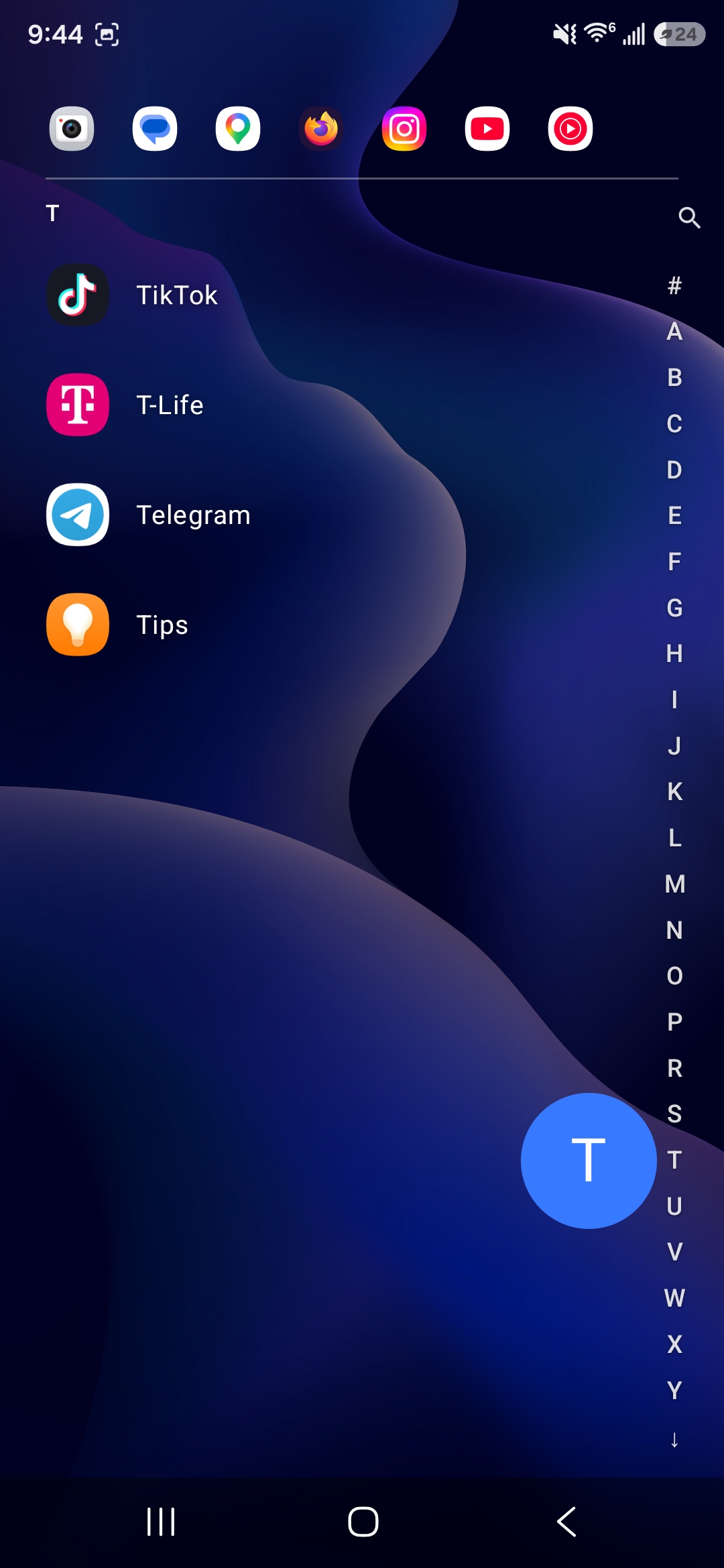
A minimal Android home screen replacement — alphabetical app list with an edge scrubber, favorites, an "important apps" strip, per-app hiding, plus a settings sheet for icon size, text size, accent color, and dim level. Built with Jetpack Compose.
Free, debug build — not on the Play Store. You'll need to allow installs from outside the Play Store, and Android may warn about an unrecognized app since it isn't signed for release. Built and tested on one Samsung phone; other devices may vary.
The alphabetical list with the edge scrubber, mid-scroll.
Drag the edge index to jump to a letter, tap-to-search, and a "favorites" strip pinned above everything else.
Three independent ways to shape the list — pin what you use most, surface a few as "important," and hide the rest.
Pick a duration and which apps to block — Regular just blocks them, Ultra also hides their icons and swaps your home screen for a curated 5x5 grid. Turning it off early takes three confirmations — no easy way to cave.
All adjustable from a built-in settings sheet — no separate settings app, it's just another entry in the list.
Nothing paints an opaque background — every screen composes directly over your system wallpaper.
You may need to allow "install unknown apps" for your browser or file manager.
Press Home — Android will ask which launcher to use. Pick 1New UI (or set it in Settings → Apps → Default apps → Home app).
Your original launcher isn't removed — switch back any time from the same settings screen.