Screenshots
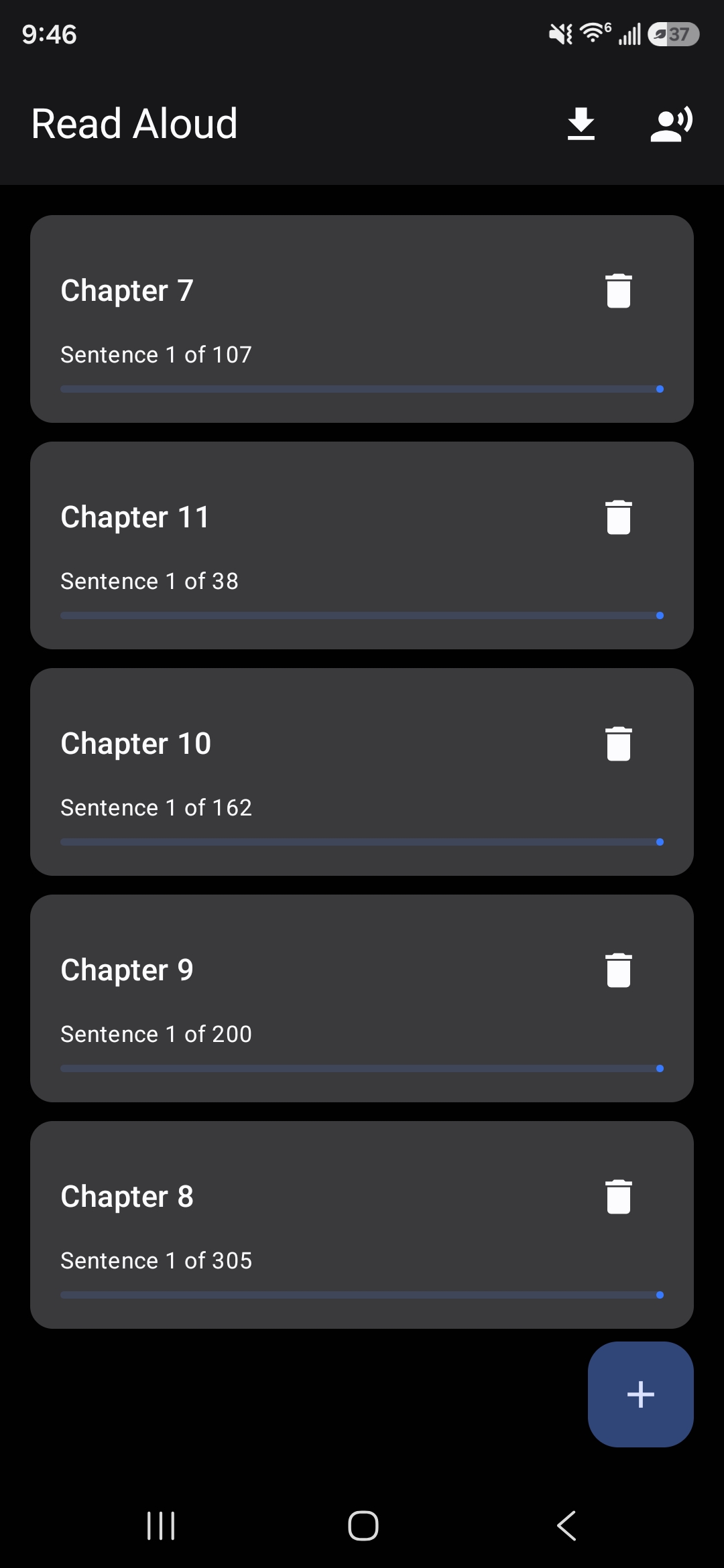
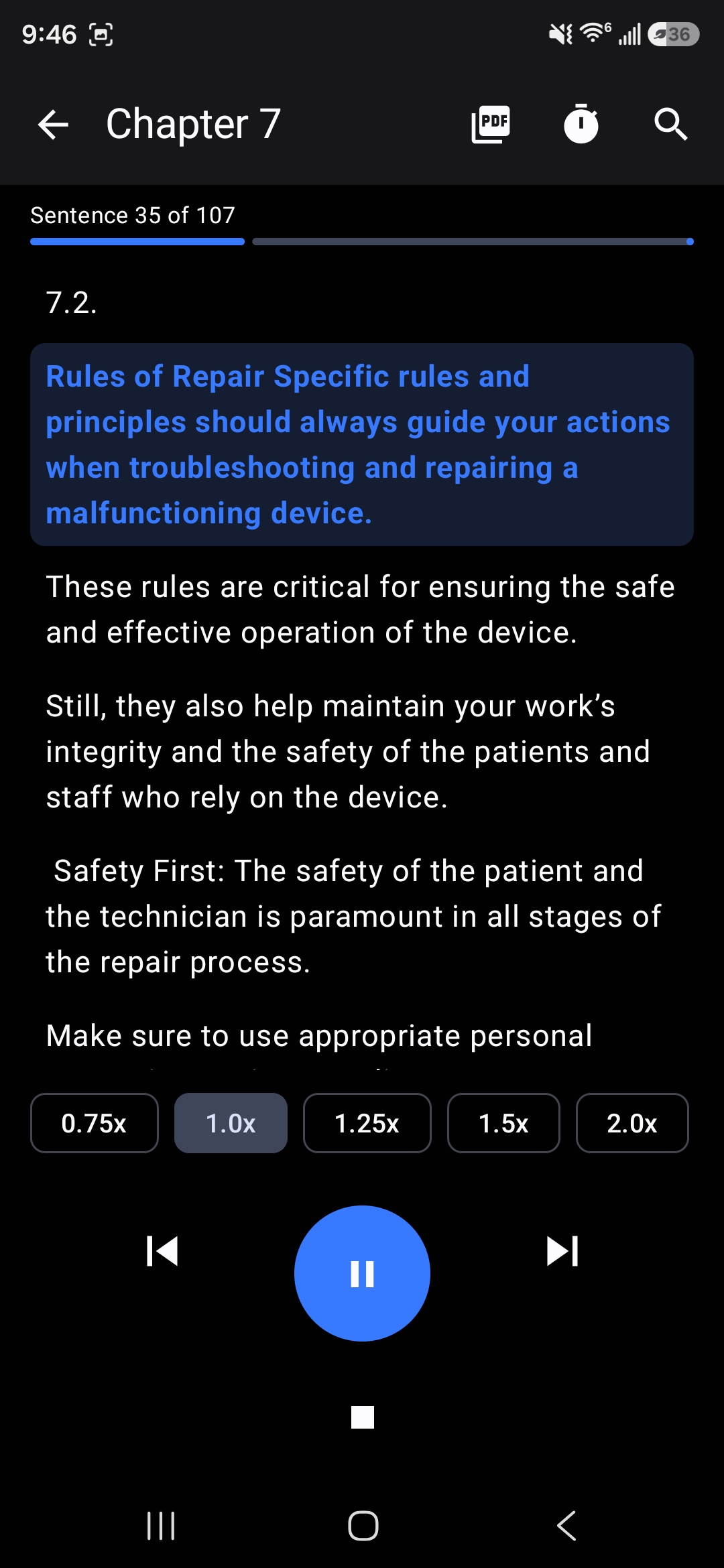
Browse saved reading sessions or follow along with sentence-level playback controls.
Paste in text and have your phone read it back — sentence-level seek, adjustable speed, and background playback with notification controls. Remembers exactly which sentence you were on, even after closing the app or restarting your phone. Built with Jetpack Compose, runs fully on-device.
Free, debug build — not on the Play Store. You'll need to allow installs from outside the Play Store, and Android may warn about an unrecognized app since it isn't signed for release.
Browse saved reading sessions or follow along with sentence-level playback controls.
Play, pause, skip forward/back by sentence, and adjust reading speed — tap any sentence in the list to jump straight to it.
A foreground service with full notification controls (previous/play-pause/next/stop), so it keeps going while you do something else.
Position is saved per document, sentence by sentence — survives closing the app or restarting your phone.
Paste text directly, import a PDF/.txt (with a "Saved PDFs" library you can pull repeated sections from), or pull a transcript from a video link.
Handles abbreviations, initials, and decimal numbers correctly instead of splitting on every period — built for real textbook-style prose.
You may need to allow "install unknown apps" for your browser or file manager.
Or import a PDF, a saved text file, or a video link with captions — it'll appear in your library.
Lock your phone or switch apps — it keeps reading, with controls in your notification shade.